Three steps, and you are running a loyalty programme.
Nothing to install for you or your customers. If you can print a QR code and use a phone, you have everything you need.
1
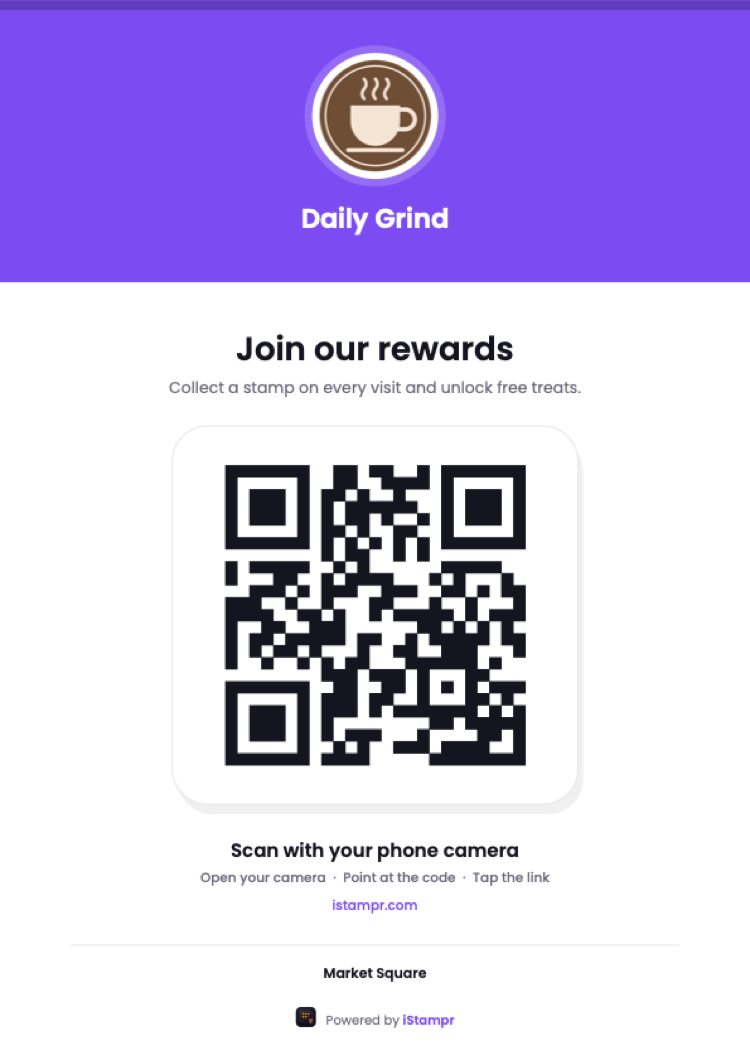
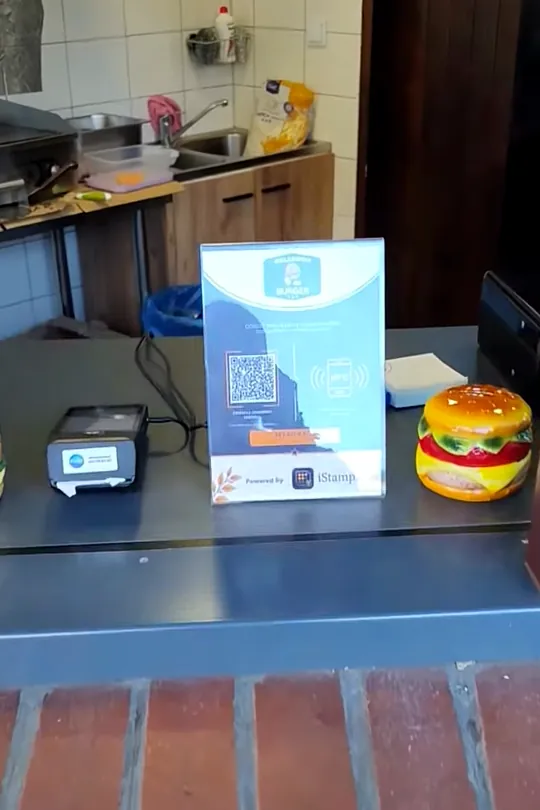
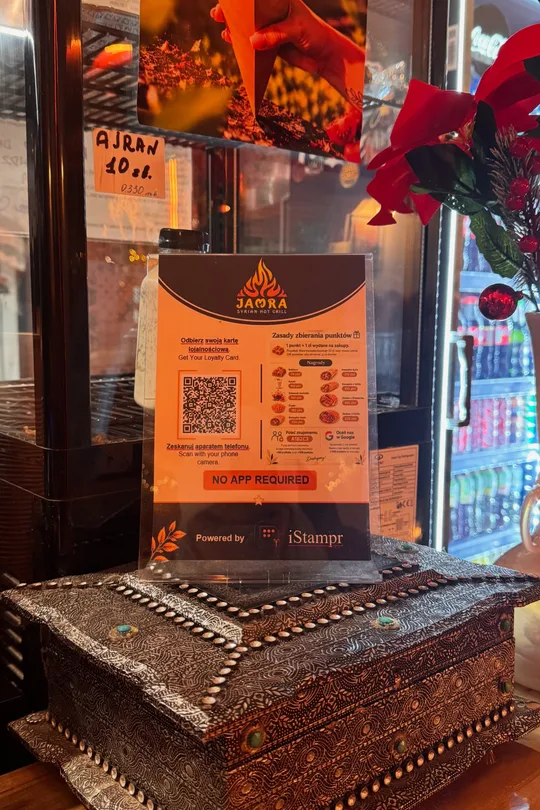
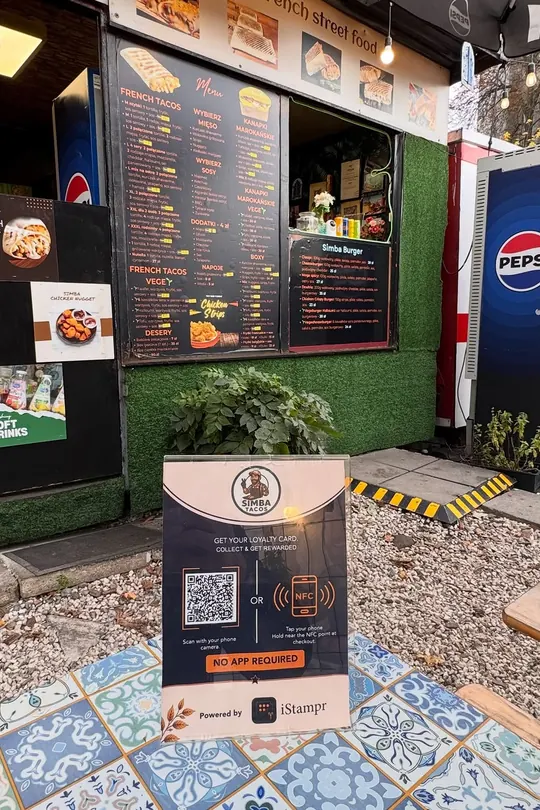
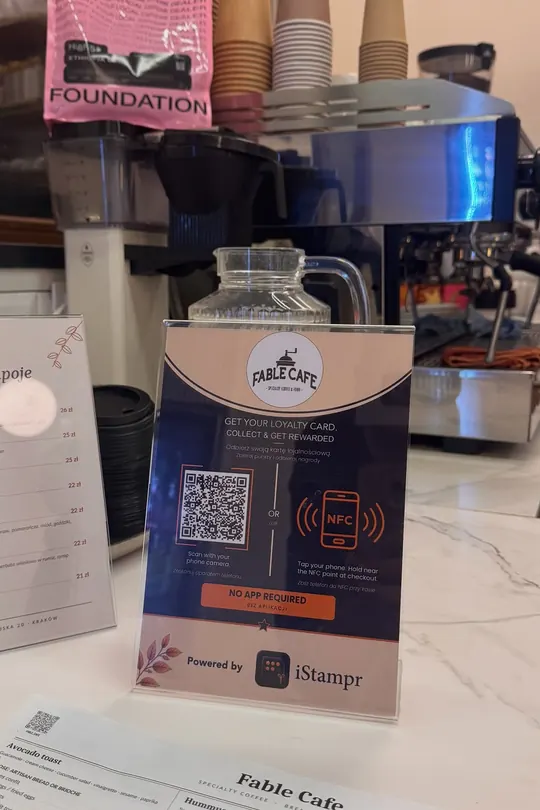
Put your code on the counter
You get a print-ready poster for each location, with your logo and its own code. Stick it by the till, and that is the whole setup. Customers can also join from a link you share.
Scan to get your card
2
They add the card to their phone
Name and email, then the card is in their wallet. No account, no password, no app store. It works the same on iPhone and Android. The join page also lists your locations, with directions one tap away.
3
You scan, the card updates itself
Scan their code at the till and the stamp appears on their phone straight away. When they earn a reward, their lock screen tells them.
Within 100 metres of your door, your card is on their lock screen.
Each location you put on the map is written into the card. When a customer walks past with their iPhone, it puts your card on the lock screen with a nudge to come in. You don’t send anything and you don’t pay per message.
Up to ten of your locations on one card
Tells them when a reward is waiting
Nothing for you to send or schedule
On iPhone with Apple Wallet. iOS decides when to show a card, and customers can turn suggestions off.
Inside 100 m
8:415G
Monday 24 November
8:41
Tap the card to open it
D
Daily Grind
Stamps7/10
RewardFree coffee
C
Copper Cup
Stamps4/10
RewardFree coffee
Try it
Your card, in your colours.
Pick what you run and a colour, and the card changes with you. The stamps are drawn by the same renderer as a real wallet pass.
Stamp card or points. Pick whichever your customers get.
D
Daily Grind
Stamps10/10
RewardFree coffee
Stamps
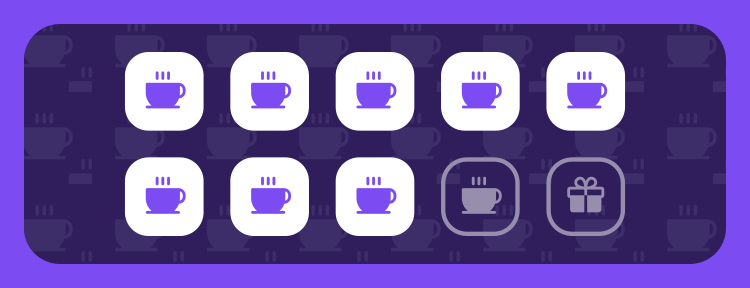
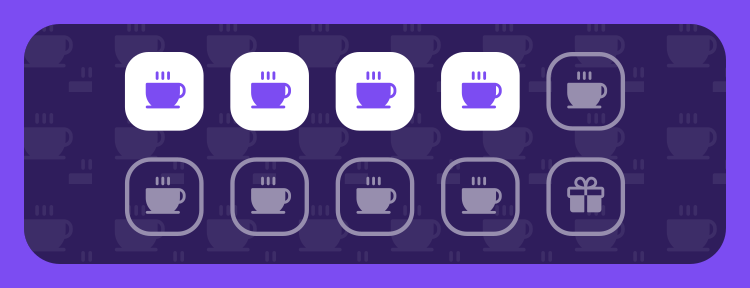
One stamp a visit, a free coffee at ten. The classic paper card, except it cannot be lost or left at home.
You can put smaller rewards along the way. A pastry at six, an iced coffee at eight, the full card at ten.
D
Daily Grind
Points180
RewardFree coffee at 300
Points
Points for every złoty, euro or pound spent, redeemed against whatever you put on the menu. Better when baskets vary a lot.
You set the rate and the catalogue. The card shows how close they are to the next thing they can claim.
Running several locations? Each one can use a different mode.
Paper or phone
The paper card, without the paper problems.
Daily Grind
Buy 9 coffees, the 10th is on us
Paper stamp card
Lost, washed or left at home
Anyone with a lookalike stamp can fill it
A new reward means reprinting cards
No way to reach the customer
No idea who your regulars are
Out of sight until they are already at the till
D
Daily Grind
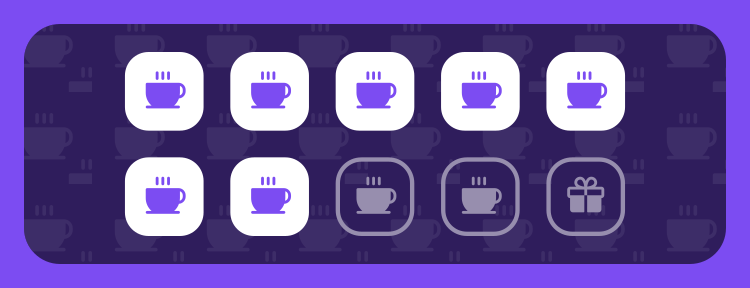
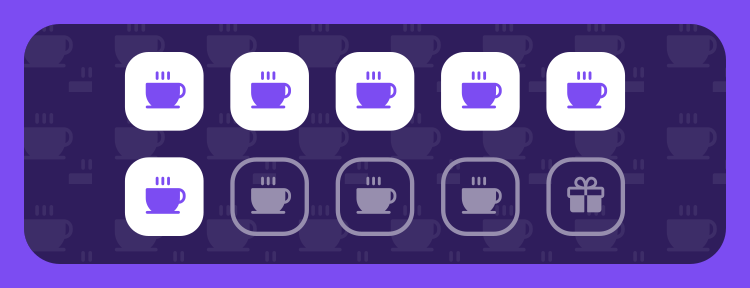
Stamps6/10
RewardFree coffee
iStampr card
Lives in the wallet on their phone
Every stamp is on the record
Change rewards from your dashboard
A message on their lock screen
See who comes back and who has stopped
On their iPhone lock screen when they walk past
What you get
Everything you need to get people coming back.
Campaigns that boost a quiet shift
Run double stamps on a Tuesday, or triple points for a launch week. Set the dates once and it applies itself at the till.
2× stampsFri to SunCanal Side only
Refer a friend
Every customer gets a code to share. You choose what each side earns, and it only pays out on a real first purchase.
Welcome and birthday bonuses
Start people off with a stamp already on the card, and give them something on their birthday without remembering to.
Your own rewards
Free coffee, a pastry, money off. Set what each one costs and how long it stays claimable.
Change your mind about stamps or points
Switch a running programme from stamps to points, or back. Every member keeps their card and their progress, converted in their favour.
D
Daily Grind
Stamps7/10
1 stamp = 10 points
D
Daily Grind
Points70
A message to the right people
Write to the regulars who have gone quiet, the ones close to a reward, one location, or everyone. It lands on their card, with an email too if you want.
Going quietClose to a rewardCanal Side onlyEveryone
D
Daily Grind now
We’ve missed you! Come by this week, your card is waiting.
A poster for every counter
Each location gets a print-ready A4 poster with your logo, your colour and its own code. Download it, print it, done.
Numbers you can actually act on
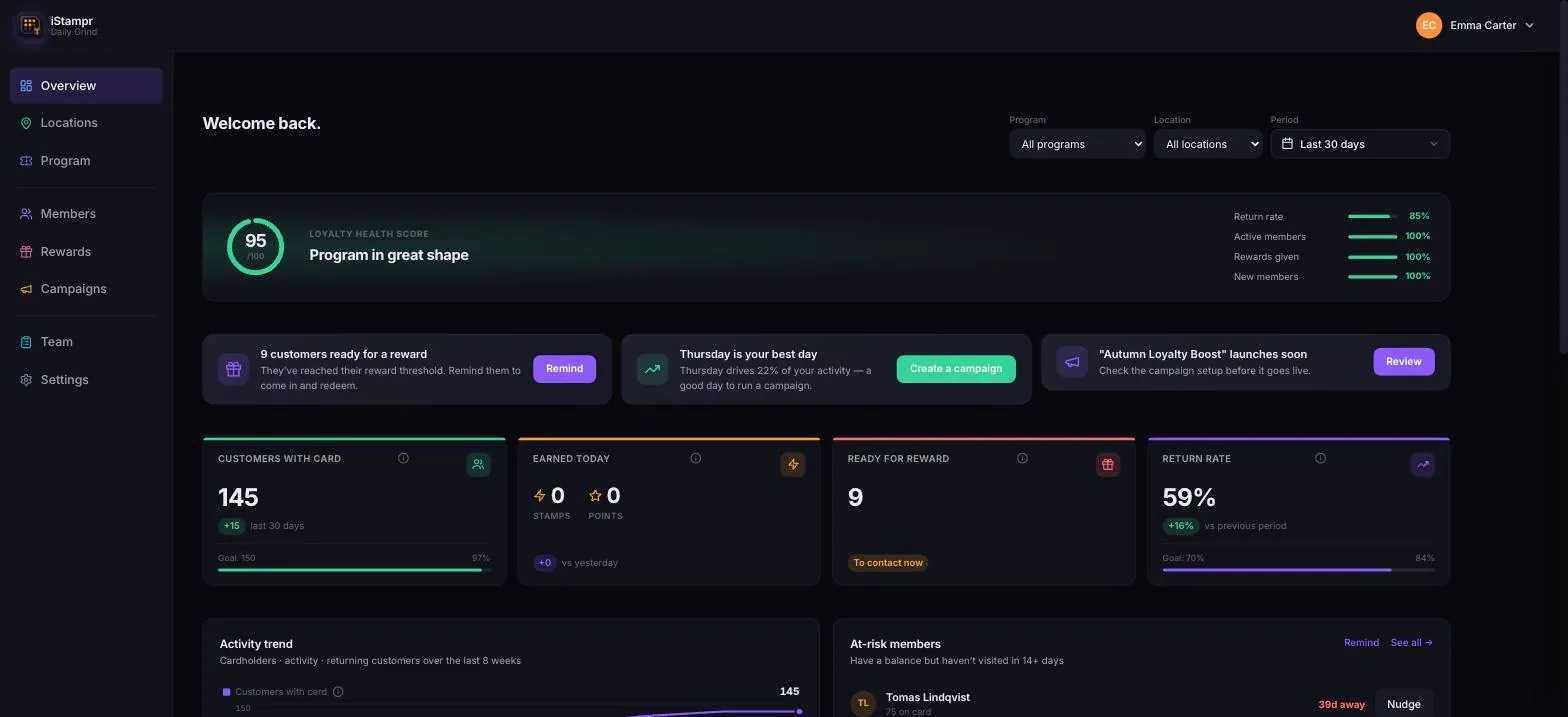
Who is coming back, who has stopped, what a campaign actually did. Every stamp and redemption is on the record, so the figures are the real ones.
A health score and goals you set
Who is close to a reward
Customers going quiet
What each campaign earned
Google reviews
Asked for a few hours after the visit, one tap from your review form.
Nobody asks at the counter. The card does it later, when they have had the coffee, and takes them straight to your listing on Google. No search, no hunting for the right location.
+1 stamp
D
Daily Grind
Stamps8/10
At the till
The visit is stamped
Staff scan and move on. Nothing to ask, nothing to remember.
D
Daily Grind 2h ago
Google review
Write a review on Google
A few hours later
The card asks
On their lock screen and by email, after they have left. Everyone is asked the same way.
Your listing on Google
Daily Grind · Market Square
How was your visit?
One tap
Your review form opens
For the location they actually visited, not the first match in a search.
D
Daily Grind now
Thanks for reviewing Daily Grind on Google!
Then
The card says thanks, you see who went
The card thanks them, and the thank-you you chose lands on it. Every tap shows in your dashboard.
More than one shop
Built for the second location before you open it.
A programme per location, or one across all of them
Each shop can have its own card, its own rewards and its own rules. Or run one programme everywhere and see it split by location.
Boost one shop without touching the others
A double-stamp weekend can run at the location that needs it. The others carry on as normal.
Numbers per location, not just a total
Every stamp is recorded where it happened, so a quiet location shows up as a quiet location rather than being buried in the average.
On the cashier’s phone nothing waiting
Scans go straight through
On the customer’s phone
D
Daily Grind
Stamps4/10
When the Wi-Fi drops, the cashier app keeps every scan and sends it once the phone is back online.
Switch the connection off, scan a few times, then switch it back on.
At the till
Your staff scan a code. That is the whole job.
The cashier app runs on any phone, iPhone or Android. Staff sign in with their own account and can only do the one thing they need to do.
Scan, confirm, done. Two taps a customer.
Shows the boost before it is applied, so nobody promises the wrong thing.
Cashiers cannot see your takings or change your rules.
Owners get the numbers on the same app.
Keeps scanning when the Wi-Fi drops, and catches up after.
Limit a cashier to the locations they work at.
Pricing
One price a month, decided by how many locations you run.
Nothing per customer, no cut of what you sell, no setup fee. Every plan includes everything the product does — the only thing that changes is the number of shops.
Leave your email. We reply within one working day and set your card up with you. The 14 days start the day it goes live, and you never enter a card. When they end, pick a plan to keep adding stamps. If you don’t, your account becomes read-only and your customers keep their cards.
Do my customers need to download an app?
No. The card goes straight into Apple Wallet or Google Wallet, which is already on their phone. They scan a code, fill in their name and email, and the card is there.
Does it work on both iPhone and Android?
Yes. iPhones get an Apple Wallet pass, Android phones get a Google Wallet pass. Both update by themselves when you add a stamp. Anyone whose phone cannot hold a pass gets a web version of the same card.
Will customers be reminded when they walk past?
On iPhone, yes. Each location you put on the map in your dashboard is written into the card, and within about 100 metres the phone puts it on the lock screen with a nudge to come in. iOS decides when to show it, and customers can turn these suggestions off.
What do I need at the till?
A phone. Your staff sign into the cashier app and scan the customer’s code. There is no separate terminal to buy and nothing to connect to your existing till.
What if the internet goes down at the till?
Keep scanning. The cashier app holds the scans it could not send and sends them when the phone is back online. Customers’ cards catch up on their own, and nothing is counted twice.
How long does it take to set up?
An afternoon. We set your account up with you, you choose whether to run stamps or points, add your rewards and your logo, then print the code for your counter.
I have more than one shop. Does that work?
Yes, and it is designed around it. Each location can run its own programme and its own offers, and you see the numbers per location as well as across the business.
Can I switch from stamps to points later?
Yes, from the dashboard, on a running programme. Every member keeps their card and their progress, converted at the rate you choose and rounded in their favour.
What happens to the customers I have already collected?
If you have a list with names and emails, we can bring it across when we set you up. Anyone on a paper card can join with the code and carry on from where they were.
What does it cost?
A flat monthly price set by how many locations you run: €25 for one shop, €38 for two. From the third location on, each one adds €15 a month. No fee per customer, no cut of what you sell, no setup fee. Every plan starts with a 14-day free trial — no card needed.
What if I open another location?
Tell us and your price moves to the next plan from the month it opens. Nothing in your account changes and nobody loses a stamp; it is a billing change, not a switch we flip.
14 days free
Start your 14-day free trial.
Leave your email and phone and we reply within one working day to set your card up with you. Your 14 days start once it is live.
We use PostHog analytics to see how this page is used. Accept to also let us record sessions and measure our Meta (Facebook/Instagram) ads; decline and we only keep cookieless counts.Privacy









 iStampr card